Set up your Barelae account
The Getting Started checklist walks you through your profile, booking page, services, solutions, retail products, installing Barelae on your phone and adding your first client.
Open getting started →Barelae is more useful when the software and the education work together. Use these resources to get started, understand the platform and deepen the spray-tan knowledge behind the workflow.
The Getting Started checklist walks you through your profile, booking page, services, solutions, retail products, installing Barelae on your phone and adding your first client.
Open getting started →Share your Barelae referral link with other spray tan artists from the Share the Glow page inside the app. Referral rewards are reviewed during the beta.
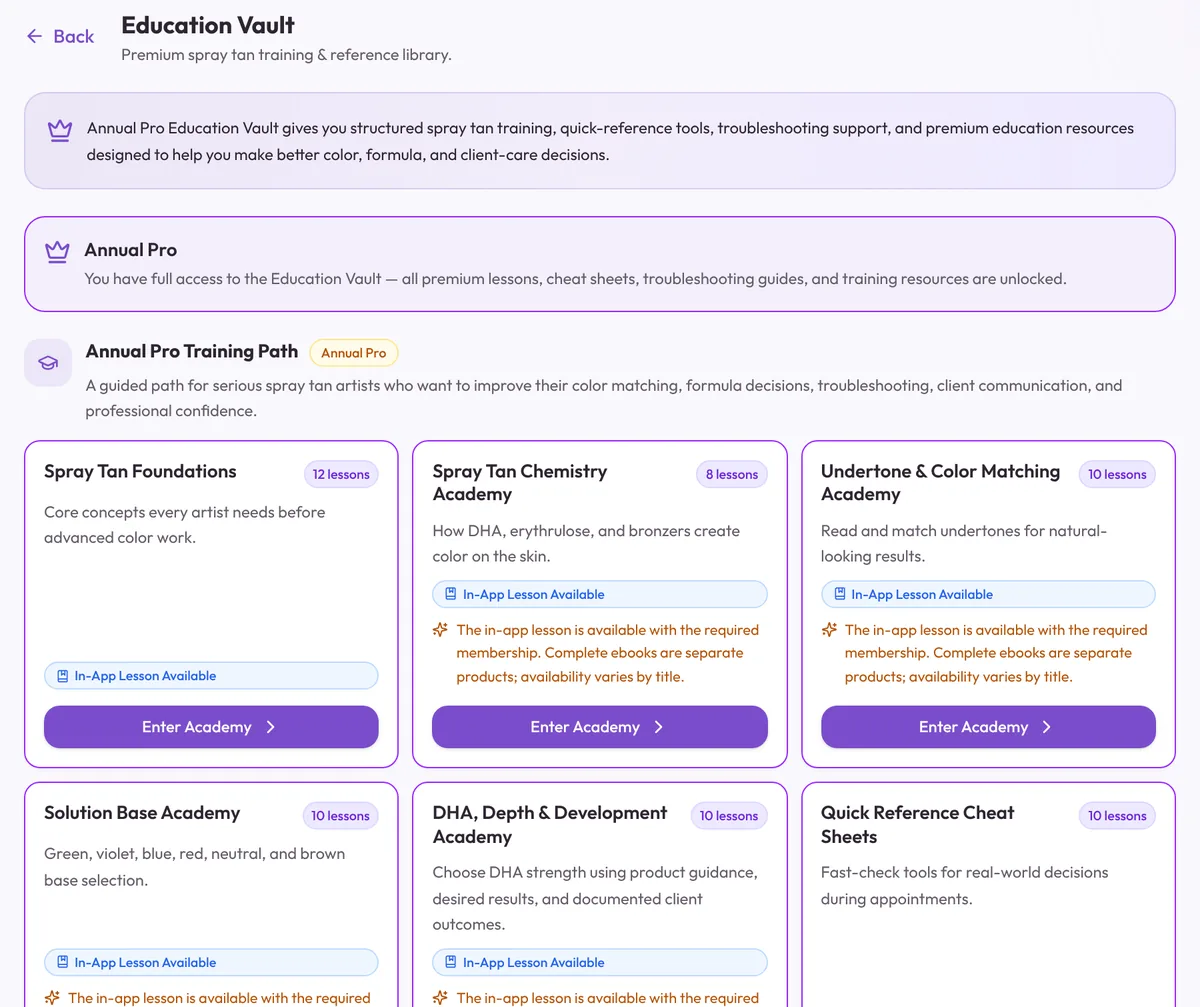
Create your account →Annual Pro includes premium Education Vault access for deeper learning around spray tanning and business confidence.
Open Education Vault →Use Bronzie for troubleshooting, formulas, client scripts, education, appointment prep and other artist questions.
Explore Ask Bronzie →Learn how Barelae helps bring supported client and business data over so you can start with less manual rebuilding.
Explore migration →Review Barelae's privacy information and access the public account/data deletion resource.
Account deletion →Read the current Barelae Terms and Privacy resources hosted with the application.
Privacy →Terms →The platform includes education around undertones, chemistry, DHA, solution bases, troubleshooting, client communication and business confidence so the operational record can become a learning tool too.
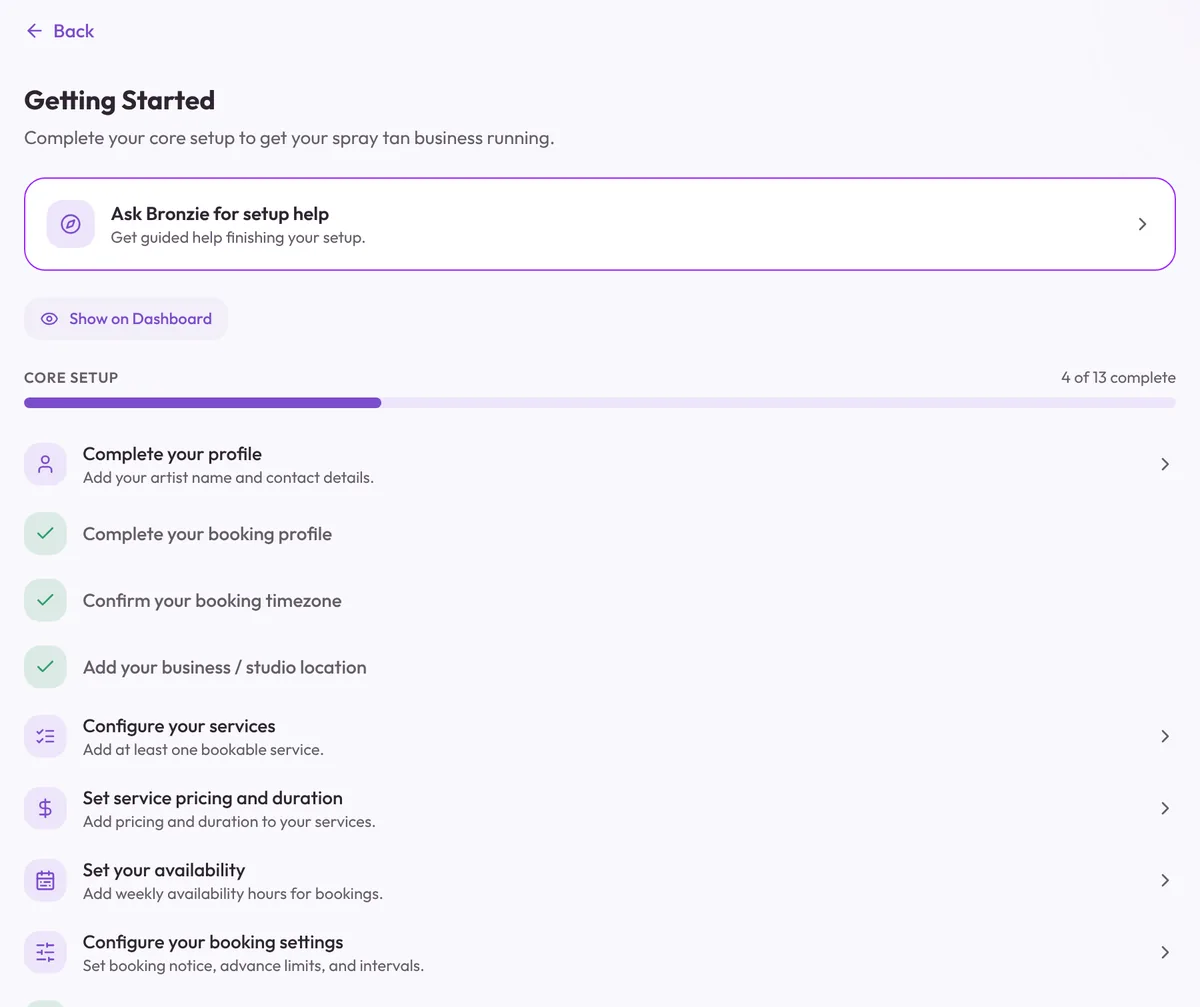
The Getting Started checklist inside Barelae tracks your core setup, from your profile and booking page to services, pricing, availability and booking rules. Stuck on a step? Ask Bronzie's Onboarding Concierge can walk you through it.
Start Barelae, organize the business and keep the education close to the work.