Know what the business actually made.
Reports are built from the checkouts you complete in Barelae, so sales, refunds, tax and payment methods line up with what really happened. The mileage log keeps your business driving, parking and tolls in the same place.
Reports and the mileage log are records for you and your accountant. Barelae does not file taxes.

This month
A sample of the numbers you see for a date range.
The numbers that matter, in one place.
Choose this week, this month or any custom range and see gross sales, net sales after discounts and refunds, net collected, tax, discounts and salon or shop fees, with your average ticket and number of transactions.
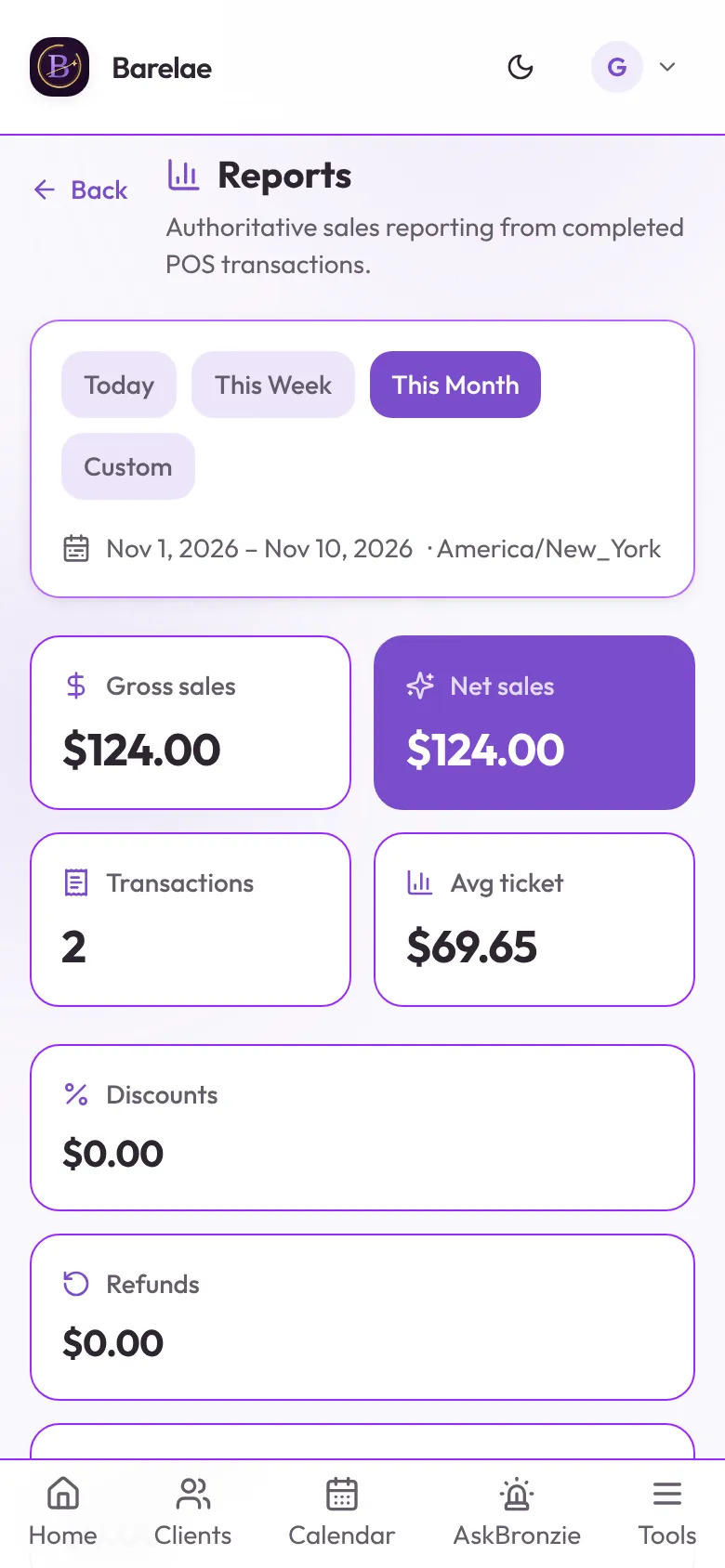
See how clients pay and what they buy.
Break sales down by payment method (connected card, external card and cash), by category, and by top-selling items, including services, retail, memberships and custom items.
Sample ranking
Track the drive, not just the tan.
Log business trips for mobile appointments with the route and miles, plus parking and tolls, and see a running summary you can hand to your accountant.
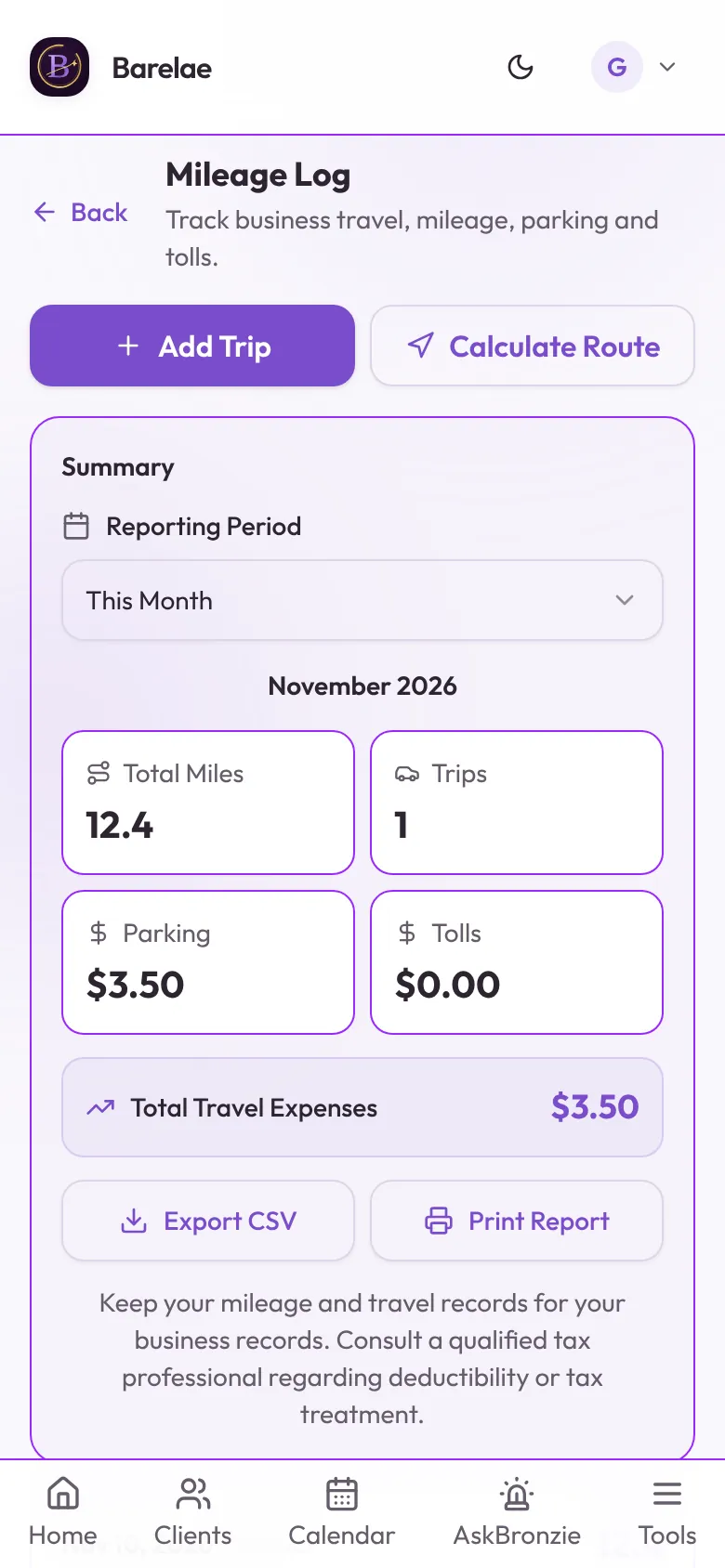
Questions about your numbers.
Where the numbers come from and what they cover.
Where do report numbers come from?
From checkouts completed in Barelae's point of sale, including connected card, external card and cash payments, with refunds and discounts applied.
Do reports include sales I made outside Barelae?
No. Reports only include transactions recorded in Barelae.
Does Barelae file my taxes?
No. Reports and the mileage log are records to keep and share with your accountant or tax software.
Which plan includes reports and mileage?
Reports and the mileage log are included with Monthly Pro and Annual Pro.
Close the month knowing where you stand.
Sales, payments and mileage, recorded where the work happens.